minimojiDevelopers

Minimoji for developers

Add cozy talking avatars to your agents, apps, games and more.

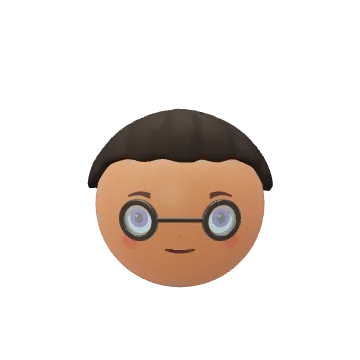
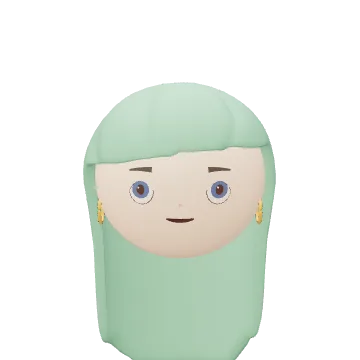
Meet the cast
Get Started

Install the CLI

Sign in, manage avatars and install agent skills.

npm install -g minimoji

Run the setup wizard

Choose your agent and add Minimoji skills to your project.

minimoji setup
Run in your project folder. No sign-in needed.

Install help

1. Install the CLI once. With Node.js 20+ installed, run:

npm install -g minimoji

2. Run setup in your project folder. Choose Claude Code, Codex or both, then confirm. Setup installs the full Minimoji skill bundle. No account is needed.

minimoji setup

3. Start building. Open a new agent session and ask: “Add a talking Minimoji avatar to my app.” Skills give your agent instructions and examples for creating avatars, adding speech and building with them.

List or update your installed skills:

minimoji skills list minimoji skills update

To run setup without a global install:

npx minimoji setup

Use cases

AI assistants

A face that listens, thinks and talks.
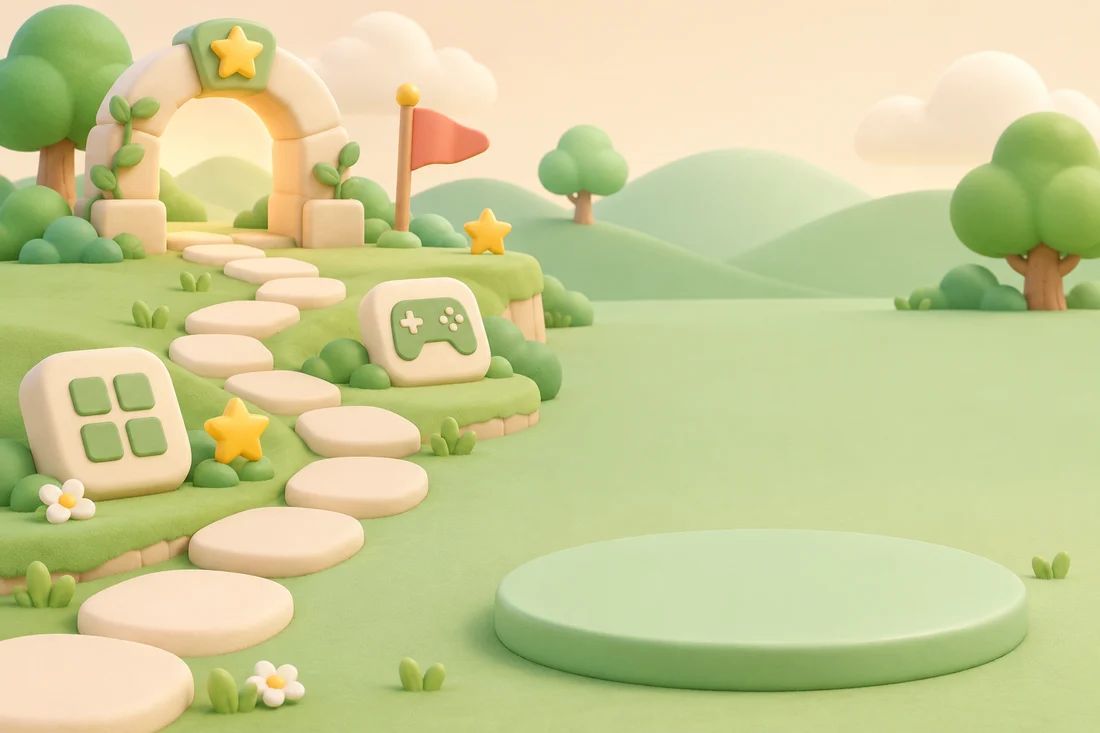
Apps and Games

Companions that react to every move.
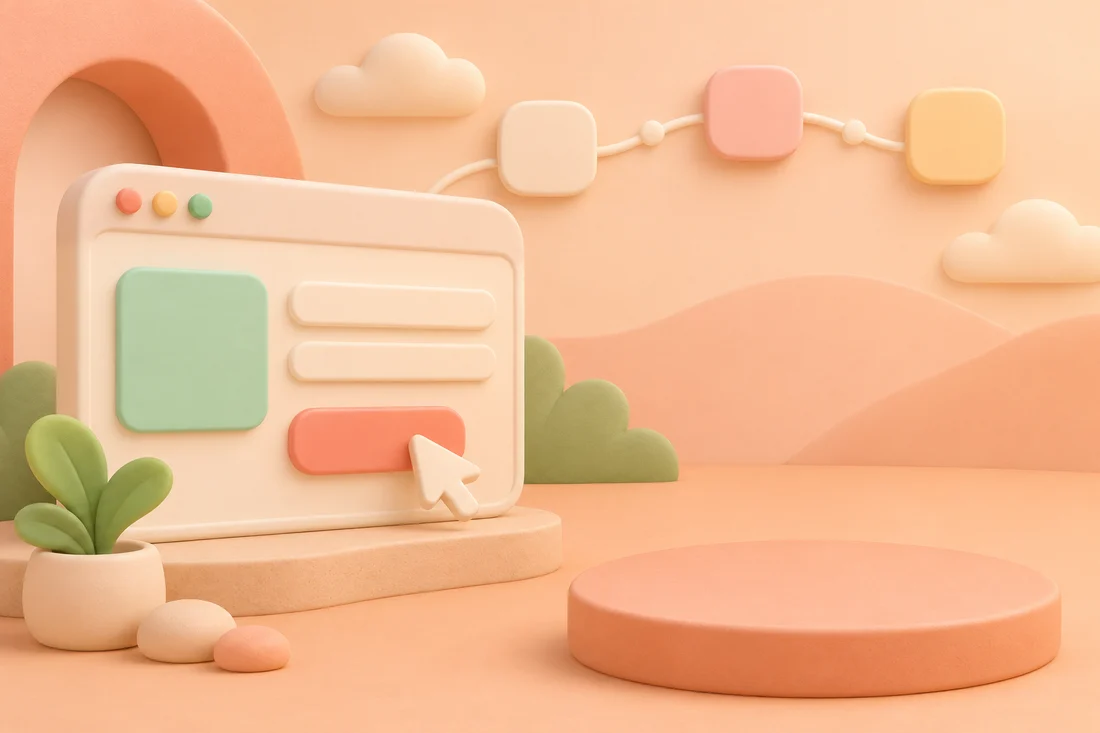
Onboarding

A friendly welcome, one step at a time.
Presentations

A friendly face for your slides and stories.